







PayBox Comes to Grok, Bringing Payments to More AI Conversations
Grok users can now trade, buy, book, and pay across the open internet without leaving the conversation.

By Team MoonPay
Published on Aug 31, 2026
Last modified on Aug 31, 2026
We’re excited to announce that PayBox is now live in Grok!
PayBox is MoonPay’s payment vault built for AI. It gives an AI agent the ability to prepare transactions that a user approves with a passkey before any money moves. PayBox connects Grok to a user's self-custodial wallets, cards, and credentials, enabling transactions across the open internet within limits the user defines. Wallet keys stay protected by threshold cryptography and secure enclaves, so no single party, including MoonPay or the AI itself, can access a full key or sign alone.
With PayBox live inside Grok, users can move, trade, and spend money by describing what they want in natural language. A user can simply say “onramp $100 into PYUSD,” “swap $100 of PYUSD to SOL,” “bridge funds to Robinhood Chain,” or “book my flight.” Grok prepares the transaction, the user approves it with a passkey, and the money moves. No terminal, no separate wallet interface, and no copying addresses between tabs.
How to Connect PayBox to Grok
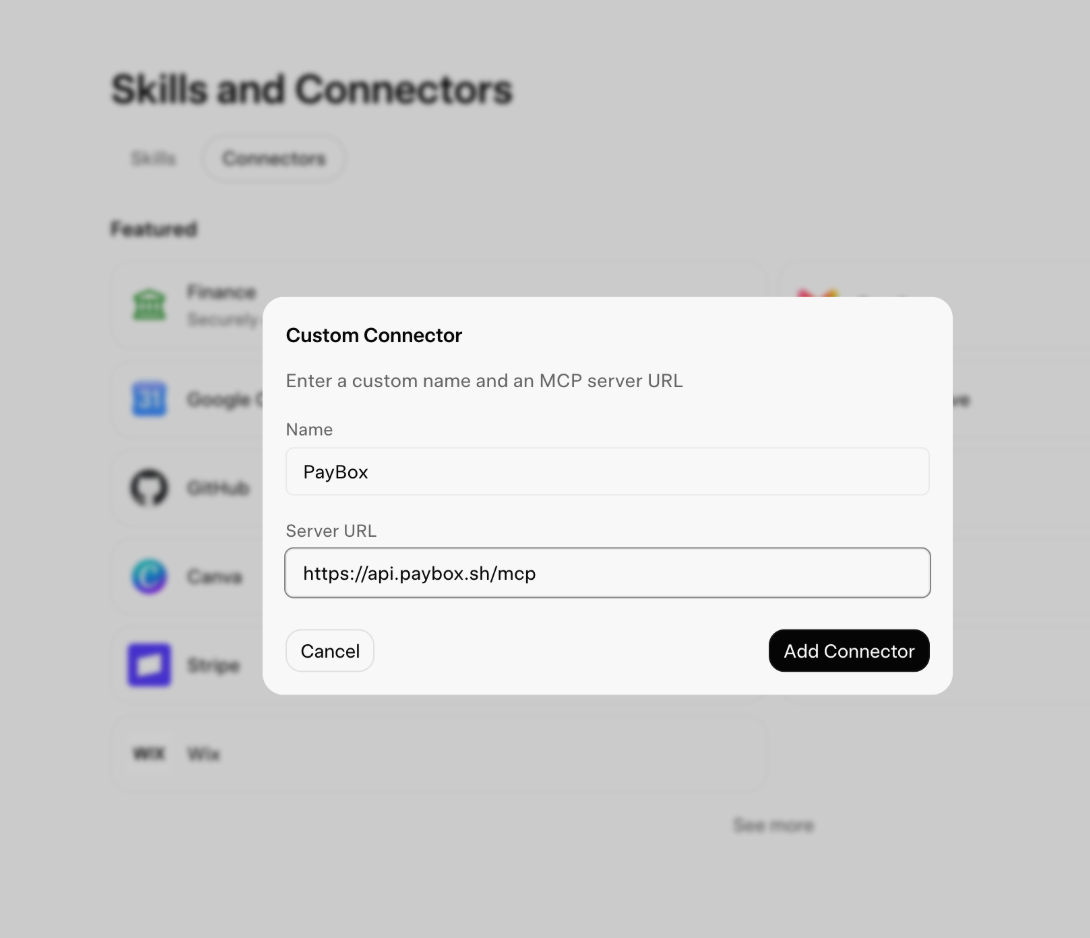
1. Open https://grok.com/connectors.
2. Select New Connector.